Your Pocket.
Your Server.
Turn your phone, tablet, Mac or TV into a Wi-Fi file server accessible from any browser on your network. No cables. No cloud. No limits.
Everything you need.
Nothing you don't.
Powerful file sharing built for speed, simplicity, and privacy — all running locally on your device.
Instant Wi-Fi File Server
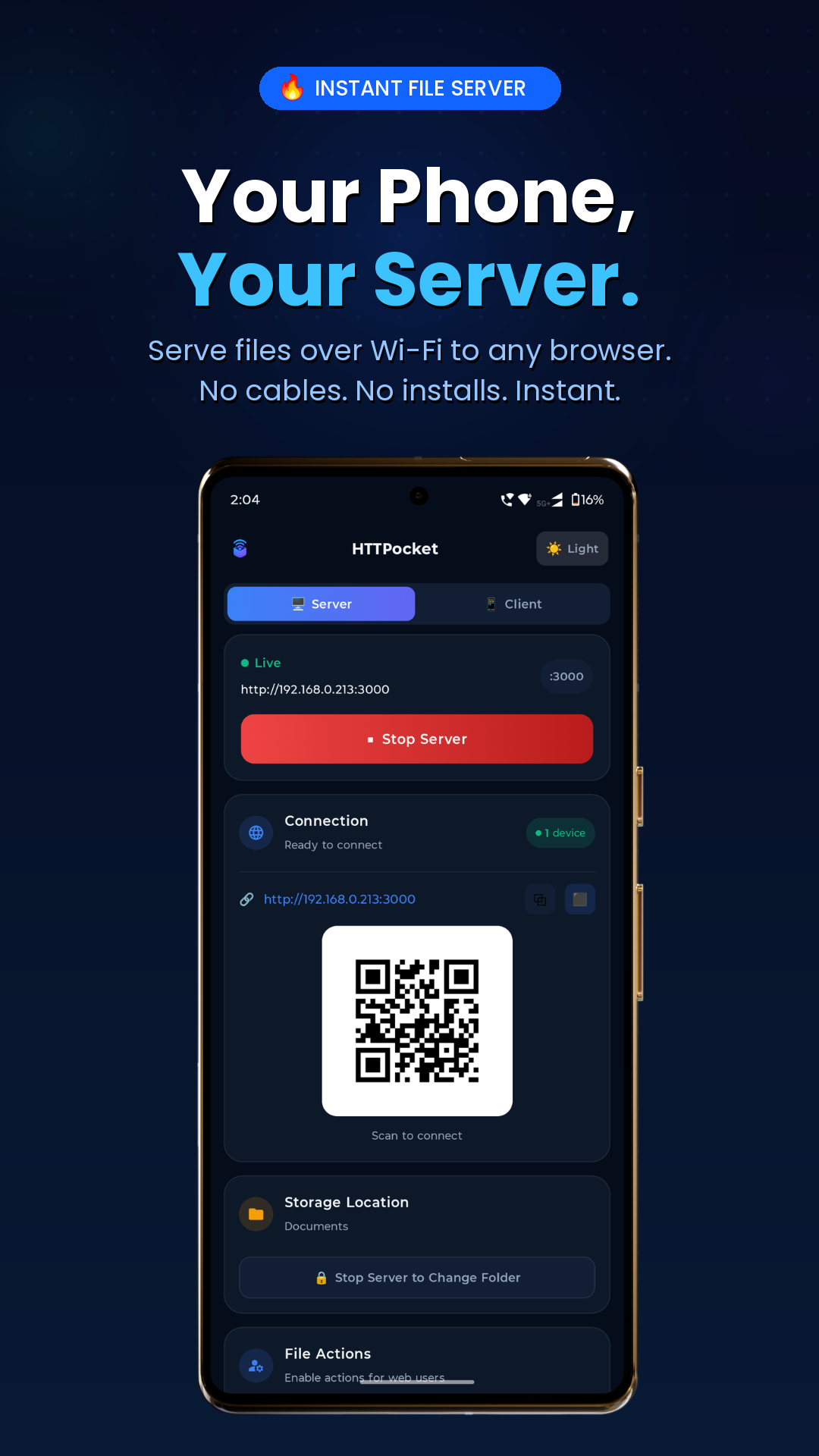
Your device becomes a local HTTP server in one tap. Any browser on the same Wi-Fi can access your files — no app needed on the other device.
Browser-Based Access
Works on any PC, Mac, tablet, or smart TV browser. Just type the IP address — no installs, no plugins.
Real-Time Transfer Progress
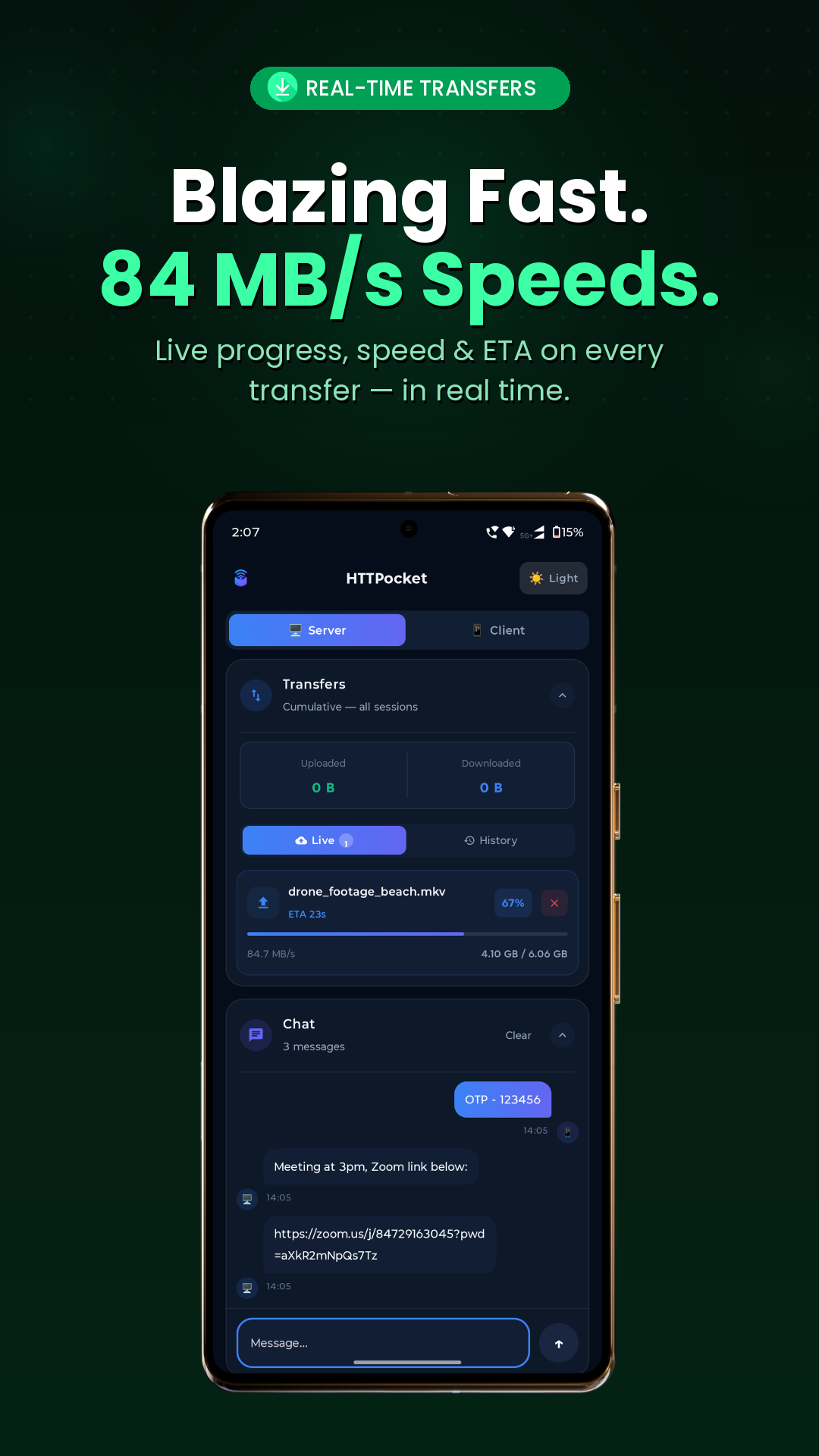
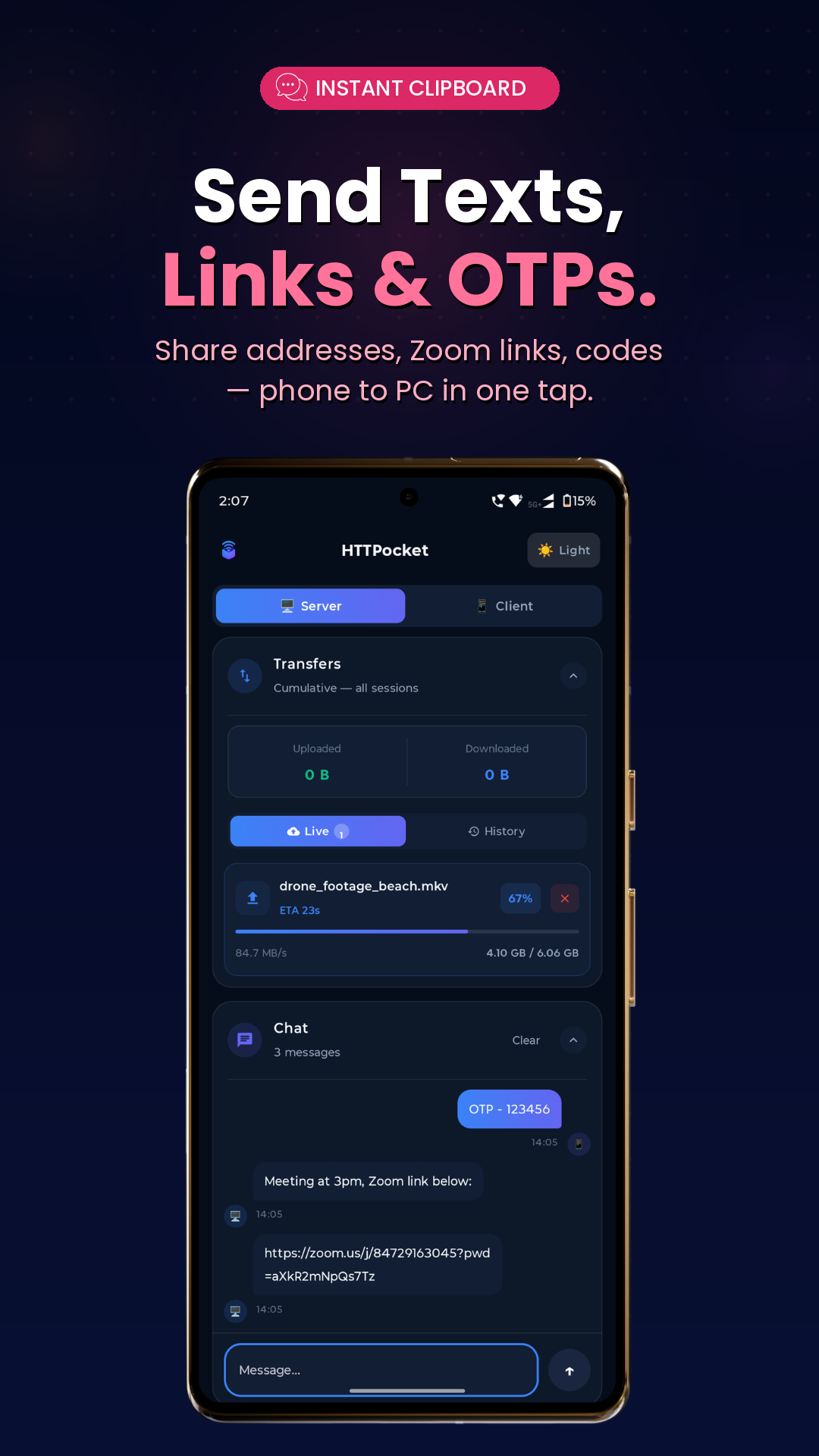
Live transfer panel shows speed, progress, and ETA for every upload and download happening at the same time.
Full File Management
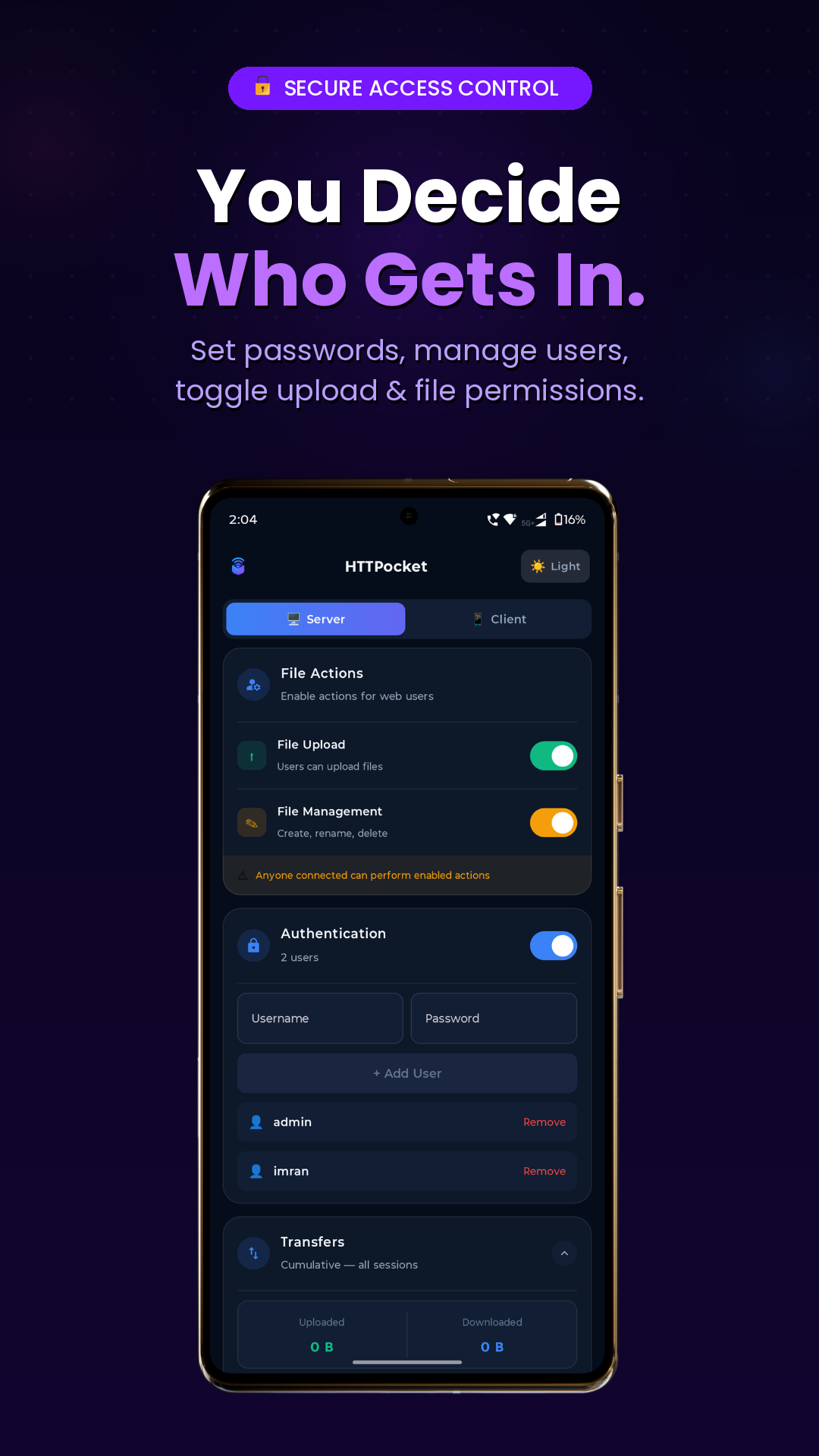
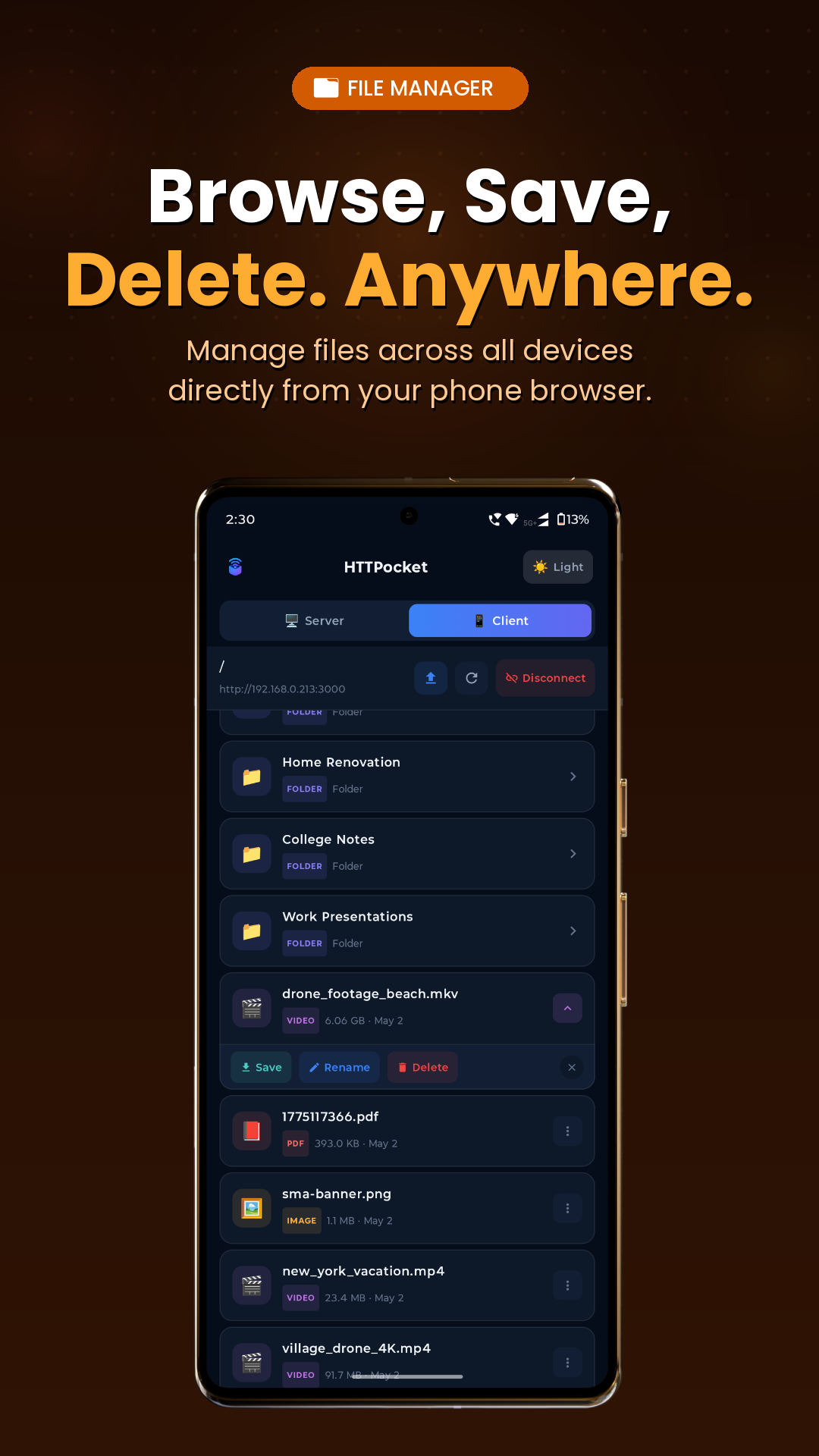
Browse, rename, delete, and organize files from the browser — without touching your device.
Password Protection
Enable username/password authentication to control who can access your server on the network.
TV-Ready Interface
Full D-pad friendly interface for Android TV and Apple TV. Browse and stream media right from your couch.
Built-in Media Player
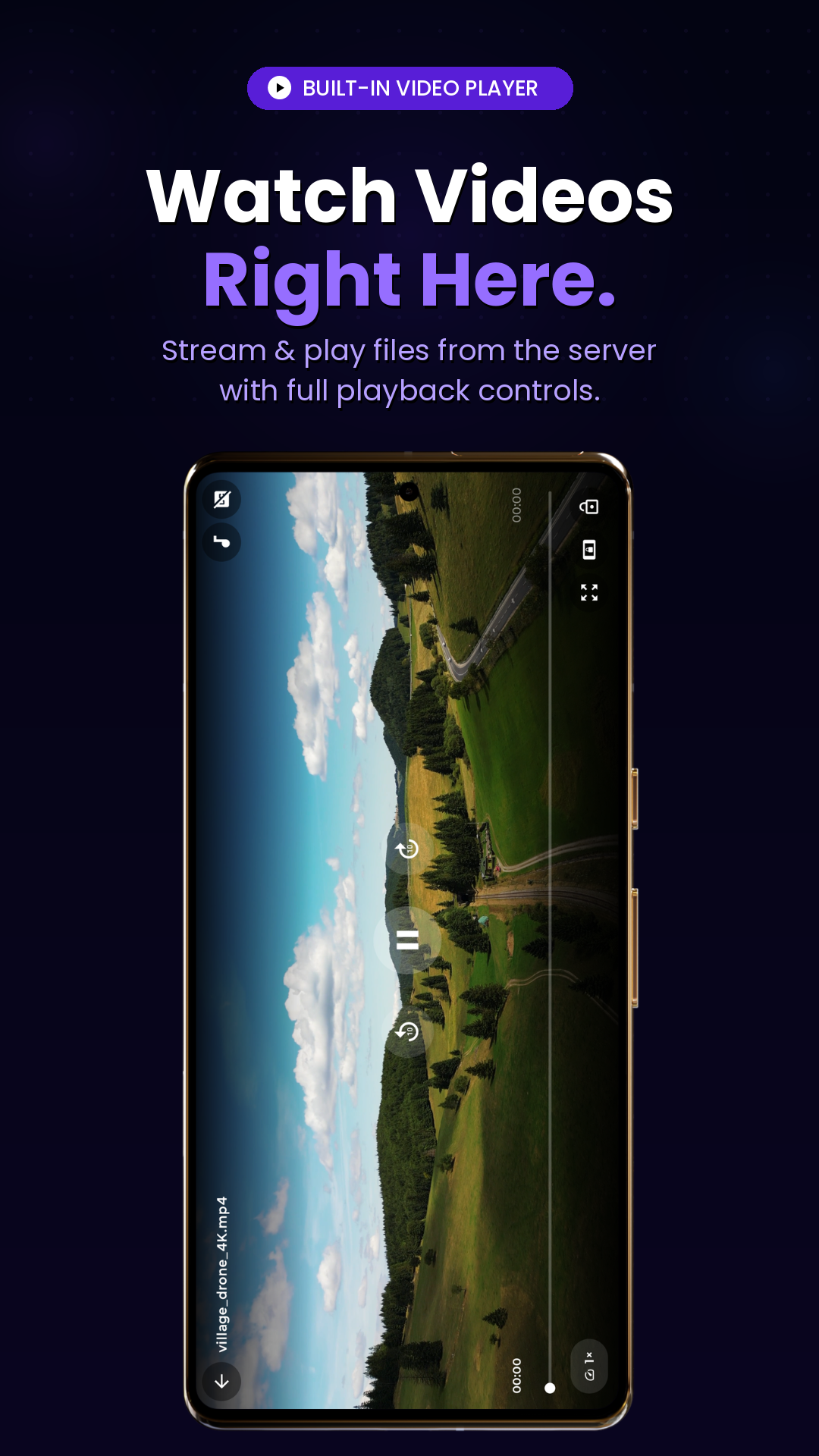
Play videos and audio in-app with multiple audio tracks, subtitles, and resume playback support.
Auto-Refresh File List
Browser file listing updates automatically via WebSocket when files change — no manual reload needed.
Zero Cloud, Zero Account
Everything stays on your local network. No third-party uploads, no signup, no privacy concerns.
Beautiful on every device
HTTPocket runs natively on Android, iPhone, iPad, Mac, Apple TV and Android TV — with the same clean, fast experience everywhere.
Showing Android · 7 screenshots
Up and sharing in 60 seconds.
Install & Open
Download HTTPocket on your phone, tablet, Mac or TV. No account, no signup required.
Install → Open → ReadyPick Folder & Start
Choose which folder to share, then tap Start Server.
tap Start ServerOpen Any Browser
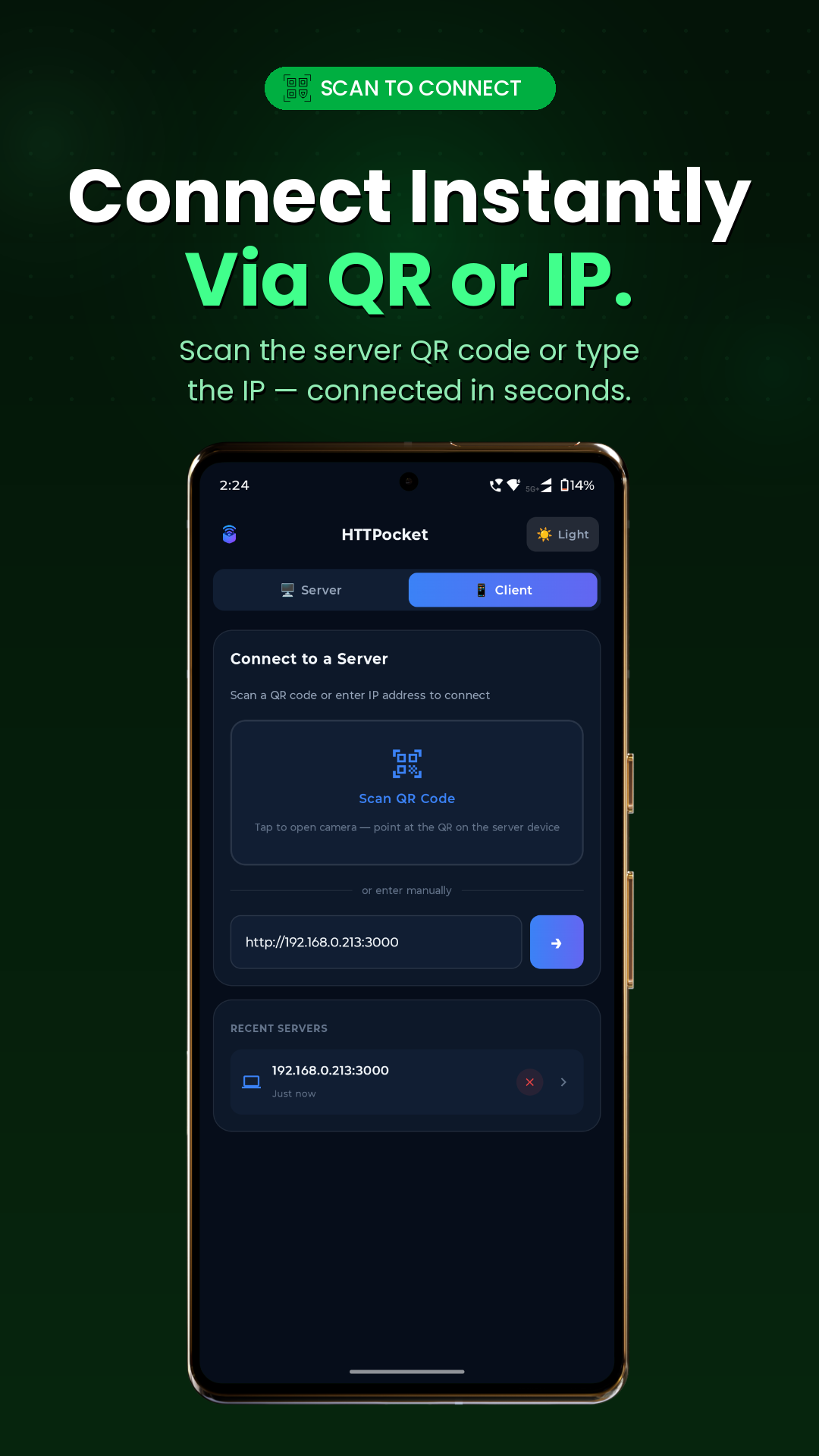
On your PC or another device, type the IP address shown in the app.
http://192.168.1.42:8080Browse & Transfer
Download, upload, rename or delete — all from the browser.
LAN Speed · No limitsCommon questions
Yes, HTTPocket is free to download and use. The core features — Wi-Fi file server, browser access, uploads, downloads — are all free with no time limits or paywalls.
HTTPocket is launching across Android, iOS, iPadOS, macOS, Android TV and tvOS. Specific store releases will be announced soon — tap either store button on this page to be notified.
No account, no signup, no email required. Download and start sharing files immediately. Everything stays on your local network.
Yes! HTTPocket works entirely on your local Wi-Fi. No internet required. Your files never leave your home network.
Any device with a web browser on the same Wi-Fi — Windows PC, Mac, Linux, iPad, tablet, smart TV browser. If it has a browser, it works.
Transfer speed is limited only by your Wi-Fi. On modern Wi-Fi 5 or Wi-Fi 6 you can expect 50–300 MB/s — much faster than Bluetooth or USB for large files.
You can enable password protection in the app settings. With authentication on, anyone must enter credentials to access your server. You can also stop the server instantly.
Yes! HTTPocket has native interfaces for both Android TV and Apple TV (tvOS), with full D-pad / Siri Remote navigation. Browse and stream files using just your TV remote.
Yes. Run HTTPocket on either device and open the displayed address from a browser on the other. Files move at full LAN speed in either direction.
Yes absolutely! The web interface has an upload button. Select or drag-and-drop files on your PC to upload them directly to the device running the server.
Yes. HTTPocket uses a foreground service on Android and the appropriate background mode on iOS/macOS to keep the server alive when you switch apps or lock your screen.
Android 7.0+ for Android devices, iOS 15+ for iPhone, iPadOS 15+ for iPad, macOS 12+ for Mac, and tvOS 16+ for Apple TV. Targeting wide device support to cover the vast majority of users.
Start sharing files
in 60 seconds.
Free. No account. No cloud. Just your devices serving files over Wi-Fi to any browser on your network.